End of the month. Your account app shows €12,480, your accounting software shows €11,950. Neither figure is wrong: they simply do not look at the same transactions at the same moment. A bank reconciliation explains that difference, euro by euro.
Bank reconciliation in accounting is a routine check, yet it remains unclear to many business owners who keep their own books. This guide covers the definition, where differences come from, the five-step method, a complete worked example and the tools that save time.
Key points:
- A bank reconciliation compares the bank statement with the bank account in the books (account 512 in the French chart of accounts) and explains every difference in a document called a bank reconciliation statement.
- Most differences come from timing: cheques issued but not yet debited, deposits not yet credited, bank fees not yet recorded.
- The method has five steps: collect the statement and the ledger, start from the previous month’s balances, tick off the transactions, isolate those left on one side, then record the entries and explain the difference.
- A monthly rhythm is common practice, and a reconciliation is essential before the year-end closing. For a micro-entrepreneur, the receipts book is compared with the statement in the same way.
What is a bank reconciliation?
The definition fits in one sentence: it is the comparison, for the same period, between the transactions recorded in the books and those shown on the bank statement. In the French chart of accounts, the company’s bank account is account 512. Every receipt, every card payment and every transfer must appear on both sides. In French, the exercise is called “rapprochement bancaire” or, borrowing from English, “réconciliation bancaire”.
The output is the reconciliation statement, a table that starts from both balances and adds or removes the transactions present on one side only. When the table is right, both adjusted balances are identical. One detail often confuses beginners: what is a debit in account 512 appears as a credit on the statement, and vice versa, because the bank keeps the account from its own point of view.
Bank reconciliation and matching: the difference
Matching (“lettrage”) is another accounting reconciliation: it pairs an invoice with its payment in the customer or supplier accounts, to see what is still owed. A bank reconciliation compares the bank with account 512. The two checks complement each other. A customer payment ticked off on the statement but never matched leaves an invoice shown as unpaid, and a reminder goes out for nothing.
Why do a bank reconciliation?
The French Commercial Code requires traders to record the movements affecting their business assets in chronological order (Article L123-12) and states that annual accounts must be regular, sincere and give a true and fair view of the business (Article L123-14). Neither article names the bank reconciliation as such, but it is the usual check that the bank account in the books matches reality. Day to day, it also brings very practical benefits:
Remember: a bank reconciliation does not change the bank balance. It corrects the books when they are incomplete and documents the transactions that have not yet reached the statement. A difference that comes back every month almost always points to a forgotten entry.
Where do differences between bank and books come from?
Before ticking anything off, it helps to know the most frequent differences. They fall into two groups: those the bank has already recorded but the books have not, and those the books have already recorded but the bank has not.
| Type of difference | Example | Where to handle it |
|---|---|---|
| Cheque issued, not yet cashed | Cheque given to a supplier on the 28th, debited the following month | Reconciliation statement, bank side |
| Cheque deposit in transit | Customer cheques deposited on the 30th, credited two days later | Reconciliation statement, bank side |
| Bank fees | Subscription or commission taken at the end of the month | Entry to record in the books |
| Direct debit not recorded | Insurance, rent or software subscription | Entry to record in the books |
| Customer transfer not recorded | Payment received without the invoice being marked as paid | Entry to record in the books |
| Input error | €1,280 recorded instead of €1,820 | Correction of the existing entry |
The first two lines are simple timing differences: they disappear on their own the following month, and you only need to check that they reach the statement. The other four are real gaps or real errors in the books, which require an entry. A difference that stays unexplained from one month to the next always deserves a search, whatever its amount.
How to do a bank reconciliation in 5 steps
To do a bank reconciliation without getting lost, the simplest approach is to follow the same order every time. The method below works with a spreadsheet as well as with accounting software, and for each bank account separately.
Collect the bank statement for the period, the general ledger extract for account 512 and the last approved reconciliation statement. Add the supporting documents: invoices, cheque stubs and deposit slips.
The opening balance of the statement and that of account 512 must be explained by the previous reconciliation. If they are not, the difference comes from an earlier period and must be resolved first.
Tick every line that appears both on the statement and in the books with the same amount. Going through the transactions in date order avoids missing any.
Note the lines that are not ticked: those on the statement missing from the books, and those in the books missing from the statement. They are what explains the difference.
Record the missing entries in the books and correct the input errors. Carry the transactions still pending on the bank side into the reconciliation statement, then check that both adjusted balances are equal.
Bank reconciliation: a worked example
Here is a bank reconciliation example with a fictional company. On 31 March, the statement of its business account shows a balance of €12,480, and account 512 in its books a balance of €11,950. The difference to explain is €530. After ticking off, five transactions remain on one side only:
| Books (account 512) | Amount | Bank statement | Amount |
|---|---|---|---|
| Balance at 31 March | €11,950 | Balance at 31 March | €12,480 |
| Bank fees not recorded | − €35 | Cheque issued, not yet cashed | − €860 |
| Insurance direct debit not recorded | − €145 | Cheque deposit in transit | + €1,200 |
| Customer transfer not recorded | + €1,050 | ||
| Adjusted balance | €12,820 | Adjusted balance | €12,820 |
Both adjusted balances are equal: the reconciliation is correct. In the books, three entries are needed: the bank fees, the insurance direct debit and the customer transfer, the last one also settling the matching invoice. The €860 cheque and the €1,200 deposit need no entry: you only check that they appear on the April statement. If they are still missing at the end of April, a call to the supplier or the bank will tell you why.
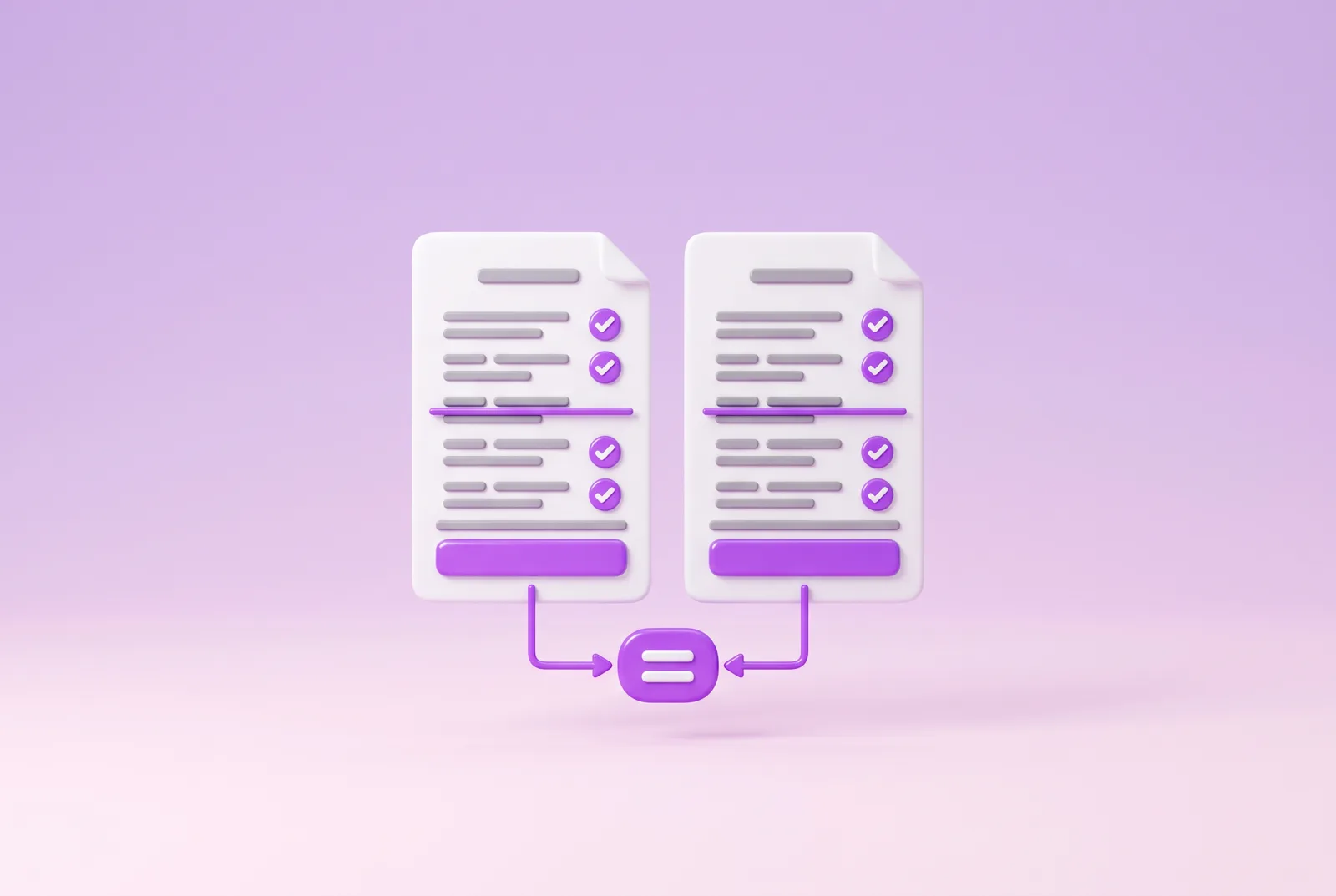
In short: start from both balances, add or remove what appears on one side only, and arrive at the same figure. What is missing in the books becomes an entry, what is missing on the statement waits for the next month.
When should you do a bank reconciliation?
The most common rhythm is monthly, when the statement arrives. It keeps differences small and easy to trace, whereas a reconciliation done once a year means going back over twelve months of transactions. A business that collects many card payments or transfers can do it every week. In every case, a full reconciliation is needed before the year-end closing, because the balance of account 512 appears on the balance sheet.
Each bank account has its own reconciliation. A business that uses a main account, a sub-account set aside for taxes and an account with another provider therefore prepares three reconciliation statements. Who does it? The owner, an employee in charge of the books or the chartered accountant. When accounting is outsourced, preparing the supporting documents and answering questions on unticked lines quickly saves time for both sides.
The case of micro-entrepreneurs
For micro-entrepreneurs who are traders under the micro-BIC regime, Article L123-28 of the French Commercial Code provides that they may skip annual accounts. They do keep a book recording the amount and origin of their receipts in chronological order, plus a purchases register when their main activity is selling goods or providing accommodation. Comparing this book with the account statement every month remains the safest way not to miss a receipt, and therefore to declare the right turnover to Urssaf.
Excel or automatic bank reconciliation?
A bank reconciliation in Excel remains a valid option for a few dozen transactions a month. Two tabs are enough, one for the statement and one for account 512, with a tick column and a table following the model of the example above. The limits come quickly: manual input, risk of errors on amounts and time spent as soon as the volume grows.
Bank reconciliation software imports the statement through a bank connection, suggests matches with the entries and leaves the user only the lines without a match. This automatic bank reconciliation does not remove the human check, since a suggested match can be wrong when two identical amounts fall on the same day. It does, however, cut ticking off down to a few lines and keeps the transaction history up to date in real time.
Vivid to prepare the reconciliation
Vivid does not do the reconciliation for your books, but it provides clean data to prepare it. With the bookkeeping feature of Vivid Business, each supporting document is attached to the matching transaction and can be shared with your accountant. On the Free Start and Standard plans, the number of documents attached for bookkeeping is limited to 25.
Ticking off is then done on transactions that already carry their supporting documents, and the accountant receives the statements in the format they use. Vivid Business is an online business account offered by an electronic money institution, with a French IBAN.
Vivid in brief: supporting documents attached to transactions, PDF, CSV and MT940 exports, and sync with more than 40 tools. The reconciliation stays your check, but it starts from data already prepared and from statements in your accountant’s format.
A business account ready for bookkeeping
With Vivid, transactions arrive with their supporting documents and export to PDF, CSV or MT940. The Free Start and Standard plans cost €0/month and you apply online.
Frequently asked questions
What is a bank reconciliation statement?
It is the table that starts from the bank statement balance and the account 512 balance, then adds or removes the transactions present on one side only. When it is correct, both adjusted balances are equal. It serves as proof that the bank account in the books is justified.
Is a bank reconciliation mandatory?
The French Commercial Code does not name it as such. It does, however, require traders to record asset movements in chronological order (Article L123-12) and to present regular, sincere and fair annual accounts (Article L123-14). The bank reconciliation is the usual check to achieve this, and accountants generally ask for it before the balance sheet.
How often should you do a bank reconciliation?
Once a month is common practice, when the statement arrives. A business with many transactions can do it every week. In every case, a full reconciliation is needed before the year-end closing.
Who does the bank reconciliation?
The owner, an employee in charge of the books or the chartered accountant. When the books are outsourced to a firm, the business provides the statements and supporting documents and answers questions on the unticked transactions.
What if a difference remains unexplained?
First check the opening balance and the previous month’s reconciliation. Then look for the classic input errors: swapped digits, an amount entered twice, a transaction recorded in the wrong account. If the difference persists, the bank can provide the details of a transaction.
What is the difference between bank reconciliation and matching?
A bank reconciliation compares the bank statement with account 512. Matching pairs an invoice with its payment in the customer or supplier accounts, to see what is still owed. The two checks complement each other.
Can you do a bank reconciliation in Excel?
Yes, for a small volume of transactions. One tab for the statement, one for account 512, a tick column and a reconciliation statement table are enough. Beyond a few dozen transactions a month, a tool that imports statements saves time.
This article is provided for general information and does not constitute legal, tax or accounting advice. The laws cited are those in force on Légifrance at the time of writing, and the worked example concerns a fictional company. Payment services are provided by Vivid Money S.A., an electronic money institution authorised by the Commission de Surveillance du Secteur Financier (CSSF) in Luxembourg, whose French branch is supervised by the Autorité de contrôle prudentiel et de résolution (ACPR).